The short answer
Before the snow arrives, check that your outdoor cameras can see clearly after dark, charge or rethink your battery cameras, put water leak and temperature sensors near your pipes, and set your lights on a schedule for long evenings and holiday trips. Half an hour of checks now saves a lot of surprises in January.
Winter in the GTA means dark by late afternoon, more time away over the holidays, storms that knock out the power, and pipes that can freeze. Your security system can help with all of it, as long as it's ready. Here's the checklist we'd run through on our own homes.
1. Check Your Cameras After Dark
By December the sun sets before 5 p.m., so most of what your cameras record will be at night. Open each camera on your phone after dark. Can you make out a face at the front door? Can you see the whole driveway?
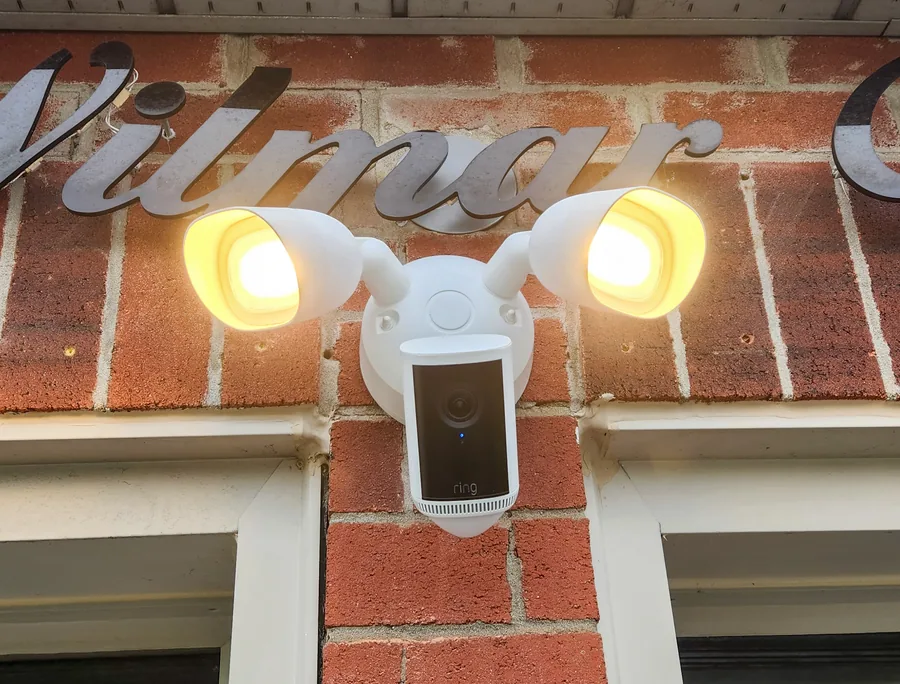
If the picture is too dark, a floodlight camera or smart outdoor lights that switch on with motion make a big difference, and the light itself puts people off. While you're at it, wipe the lenses and check that a snowbank, a wreath or a string of holiday lights isn't blocking the view.
2. Keep Battery Cameras Charged
Cold weather drains batteries faster. Check the battery level of each camera in the app now, and set a reminder to look again every few weeks. For cameras that are hard to reach, a small solar panel keeps the battery topped up, or the camera can be wired so it never needs charging. Wired with a battery backup gives you both.
3. Watch for Leaks and Frozen Pipes
A burst pipe is one of the most expensive things that can happen to a house in winter. Water leak sensors under sinks, next to the water heater and by the washer send an alert to your phone the moment they get wet. A temperature sensor in a cold basement or utility room warns you when it gets too cold.
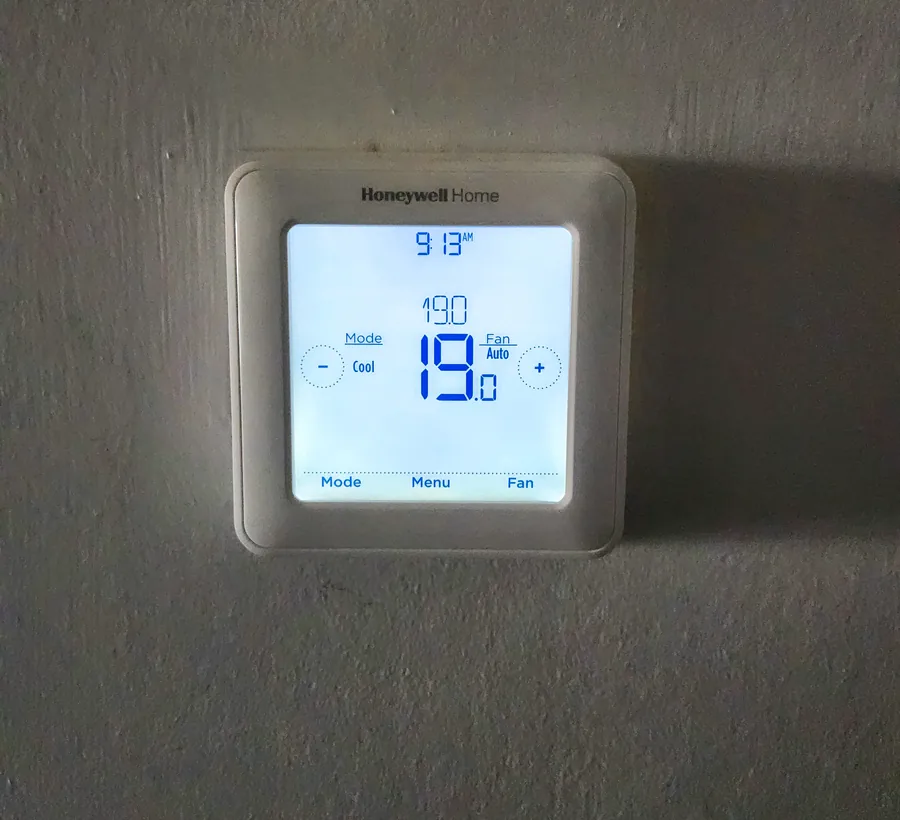
When you head away, don't turn the heat right down. Pipes along outside walls are the first to freeze. With a smart thermostat you can check the temperature and turn it up from anywhere.
4. Plan for Power and Internet Outages
Winter storms bring outages. Here's how a smart system handles them:
- The alarm keeps working on its built-in battery.
- Battery and solar cameras keep running. Wired cameras with a battery backup switch over to battery.
- Cellular backup keeps alerts reaching your phone when the internet is down.
- WiFi backup power keeps your router running, so cameras stay online. It's included in Premium and can be added to Complete.
5. Make the House Look Lived In
Long, dark evenings and holiday trips make an empty house easy to spot. Put indoor and outdoor lights on a schedule so they come on in the evening and go off at bedtime, just like when you're home. Ask a neighbour to clear the driveway after a snowfall, because a driveway with no tire tracks tells everyone nobody's there.
Arm the alarm before you leave. If you'll be somewhere you can't easily answer your phone, it may be worth adding 24/7 monitoring for the trip.
6. Keep an Eye on Deliveries and the Garage
December brings a lot of parcels. A video doorbell tells you when one arrives and lets you talk to the driver from your phone. A smart garage controller tells you if the garage was left open on a freezing night, lets you close it from anywhere, and can close it on its own when you drive away.