The short answer
You can install a video doorbell or a plug-in indoor camera yourself in an afternoon. Where DIY usually goes wrong is a full system: cameras mounted too high to see faces, Wi-Fi that doesn't reach the backyard, alerts going off all day, and devices that don't talk to each other. Professional installation pays off when you want several cameras, an alarm or a smart thermostat set up right the first time.
Smart security gear is sold so that anyone can set it up, and plenty of homeowners do. We also hear from a lot of people who started on their own and ended up with a camera that only films the top of the porch. Here's an honest look at what DIY does well, where it tends to fall short, and how to decide which route suits your home.
What DIY Does Well
The main reason to do it yourself is cost. You skip the installation part of the bill, and most devices walk you through setup in an app. A few jobs are genuinely easy:
- A battery video doorbell, or one that replaces an existing wired doorbell
- An indoor camera that plugs into an outlet
- Smart plugs and smart bulbs
- A battery outdoor camera in a spot with a strong Wi-Fi signal
If that's all you need and you're comfortable on a ladder, DIY can work well.
Where DIY Setups Usually Go Wrong
Cameras in the wrong spot
This is the problem we see most. A camera mounted up by the second-floor eaves feels safe, but it mostly records hats and hoods. A camera that catches movement but not a face isn't much help after a break-in. The front door, driveway, side gates and back door each need their own angle and height.
Wi-Fi that doesn't reach
A camera is only as good as its Wi-Fi signal. Routers usually sit at the front of the house or in the basement, so the backyard or garage camera drops offline or lags when you need it. Check the signal at each spot before you drill. A mesh Wi-Fi system fixes most dead spots.
Too many alerts
Motion detection straight out of the box sends an alert every time a car drives past or a branch moves. Most people end up muting their notifications, which defeats the point. Motion zones, sensitivity and person or vehicle alerts take some tuning to get right.
Power that doesn't suit the spot
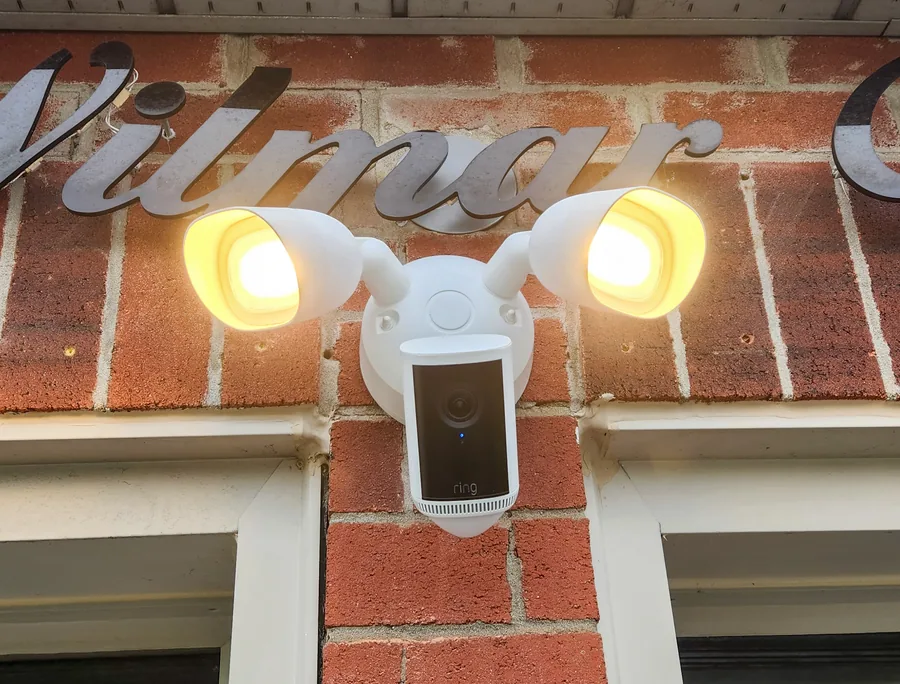
Battery cameras go up quickly but need recharging, more often in cold weather or busy spots. Floodlight cameras usually connect to an existing outdoor light, which means working with your home's wiring. Choosing battery, solar, wired, or wired with a battery backup for each spot saves a lot of hassle later.
Devices that don't work together
A doorbell from one brand, cameras from another and an alarm from a third usually means three apps and no shared routines. When everything works together, you can do things like turn on the outdoor lights when a camera spots someone at night.
Alarm sensors and thermostats
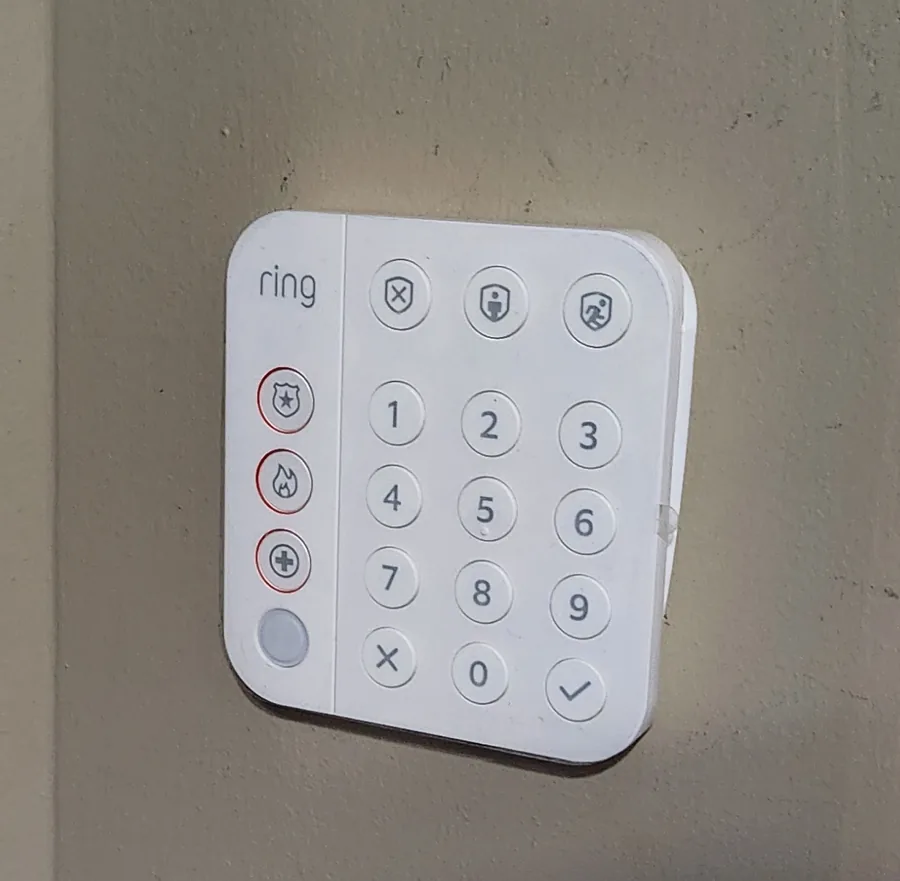
Alarm sensors need to cover every entry point without your pets setting off the motion sensors. A smart thermostat has to suit your heating and cooling wiring. Both are doable, but mistakes are either annoying (false alarms) or expensive (furnace wiring).
What Professional Installation Adds
- A plan for your home. Camera spots, sensor placement and power options are worked out with you before anything goes on the wall.
- Wi-Fi tested at every spot. Weak areas are found before mounting, not after.
- Everything in one app. Cameras, doorbell, alarm and smart devices are connected, tested and set to work together.
- Alerts tuned before we leave. Motion zones and sensitivity are set so your phone isn't buzzing all day.
- A warranty on the work. We handle the 1-year equipment warranty with the manufacturer for you, and add 1 year on our labour, or 2 years on Premium.
You still own all the equipment, and there's no contract.
| Compare | DIY | Professional |
|---|---|---|
| Upfront cost | Equipment only | Equipment and installation, quoted before any work |
| Your time | An afternoon to a weekend, plus fixes | Usually a single visit |
| Camera placement | Trial and error | Planned with you during a free assessment |
| Wi-Fi coverage | Found out after mounting | Tested at every spot |
| Alerts | Tuned by you over time | Set up before we leave |
| Warranty | You deal with the manufacturer | Equipment warranty handled for you, plus labour |
How to Decide
DIY makes sense if you want one or two simple devices, your Wi-Fi is strong, and you enjoy setting things up. Professional installation makes more sense if you want several cameras, an alarm, a floodlight camera or a smart thermostat, or you'd simply rather have it done properly in one visit.
You don't have to do everything at once, either. Plenty of homeowners start with a doorbell and a couple of cameras and add an alarm or smart home devices later. Everything we install is set up to work together, so new devices join the same app.